
Replace the laser mechanism on a CD player
This guide will show you how to replace the laser mechanism on a CD player. This is specifically the KSS213C laser in a NAD C542 compact disc player, however, this laser is very common among HiFi CD players.
If you are looking to replace just the laser and not the whole mechanism check out this guide instead.
If your treasured CD player is skipping and is getting on a bit, there’s a good chance that the laser power is starting to dwindle. This isn’t uncommon and lasers wear out.
Mine was over ten years old however, as you may know, the NAD C542 is a very good CD player so after finding out I could replace the laser for less than £20 I thought I’d give it a go.

You need to be able to do a simple bit of desoldering to accomplish the laser replacement. It is very easy but if you need instructions on how to desolder check out this guide here.
Clean the lens first
Before you replace the laser you should of course clean the lens.
There are various accessories you can get to do this but I find the best way is to take the lid off the CD player and do it with a damp cloth and then dry it and give it a light polish. This cleans it better than those CDs with brushes on.
Getting the laser
The KSS213C seems to be very popular still and it’s quite easy to locate on the internet. From electrical suppliers to eBay and Amazon, it seems there are a lot about which confirms how popular it was.
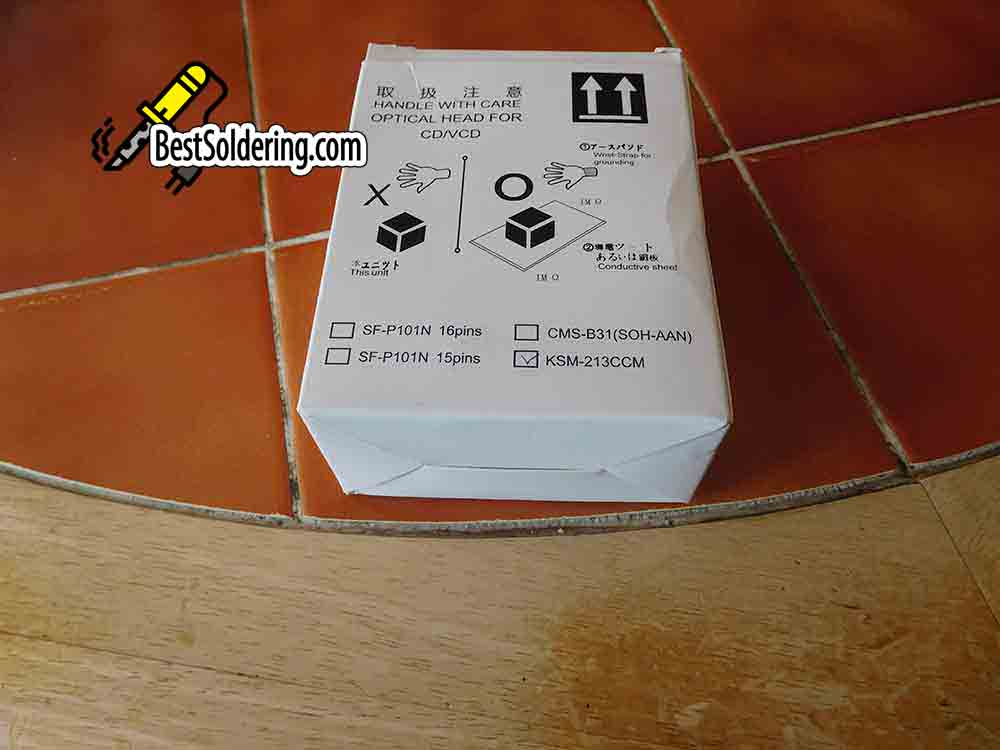
Where you get yours from is up to you but beware of the cheaper ones! This is the case with most parts, unfortunately. You may end up with a duff unit.

This guide is for mounting the complete mechanism with a KSS213C laser mounted on it.
If you just have the laser without the mechanism have a look at this guide.
Removing the old laser
There weren’t any instructions with the new laser mechanism. this probably won’t come as a surpriseThat’s probably why you found my post!
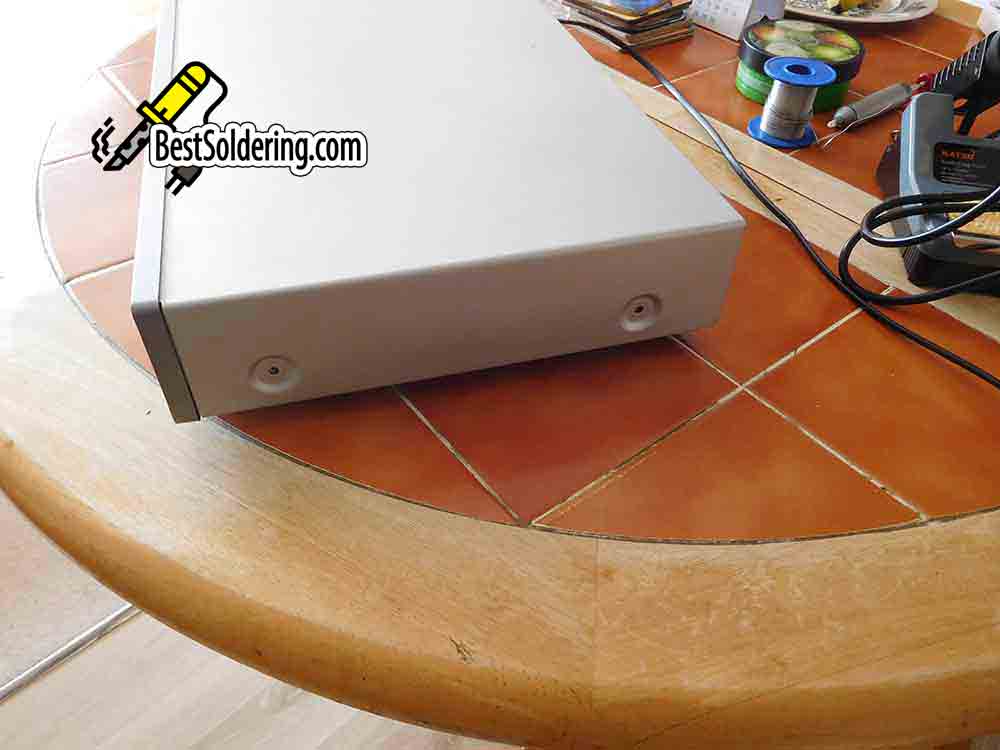
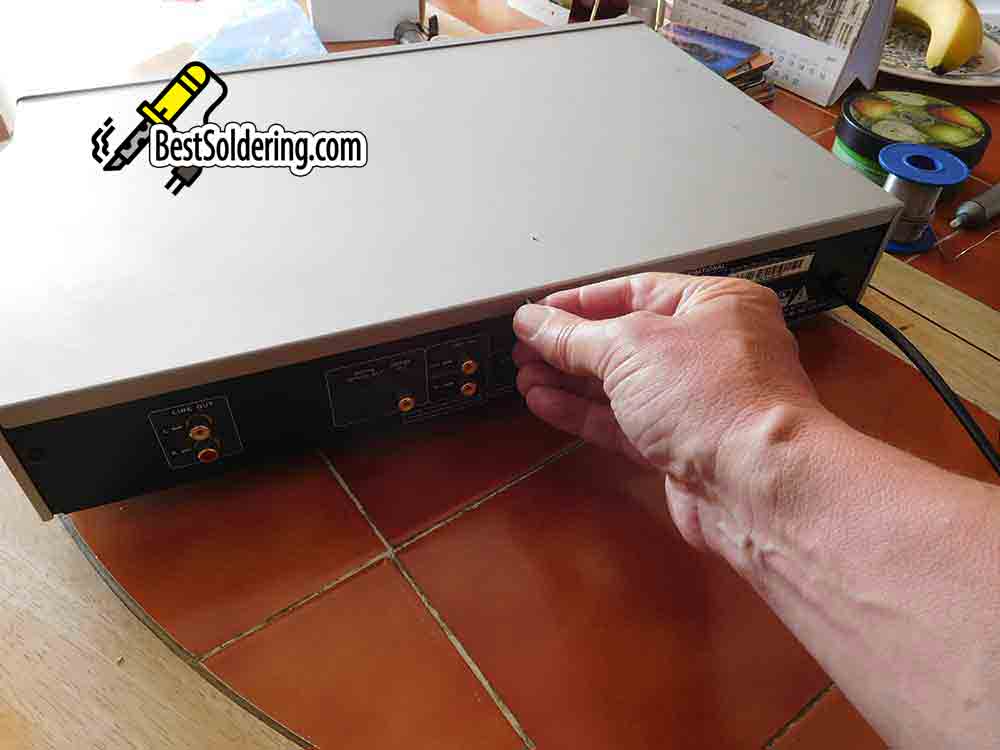
On the NAD C542, you need to take 2 screws out of the left side and 2 screws out of the right side. There is then 1 screw to take out of the back. With these 5 screws removed, you can lift off the metal top.
Tip
keep all the screws safe and video each stage as you work through these instructions so you can double-check where you’ve taken components from if you get into trouble.

The next stage is to take the 2 screws out of the disc holder. You can then lift this part off while noting (or videoing) which way it fits.

Just make sure that you don’t do anything silly here as we are working with the lid off and we’re connecting it to the mains. Plug the unit in and press the open button to get the draw to open.
Once this is in the open position you can disconnect the power from the mains.
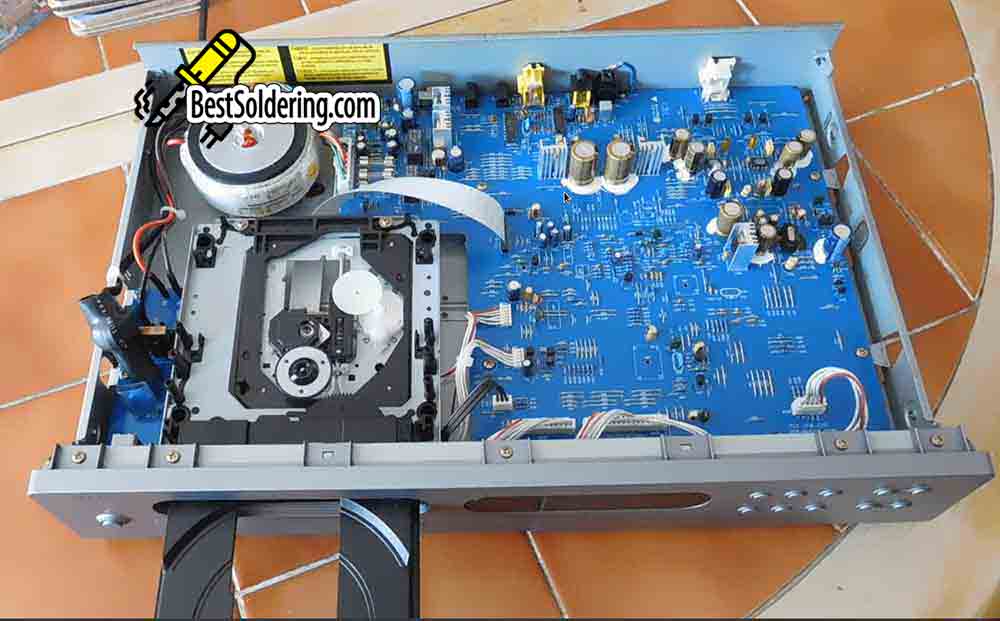
Take the two screws out of the now exposed top and the inner draw section can now be lifted out of where it sits. Don’t move it too far though as it’s still connected by two cables.

Disconnect the cables
The first is the ribbon cable. This is connected to the main board. You need to unclip the 2 tiny catches on each side and pull it up, the cable will then slide out. Take note of which is the blue side!


Next is the motor cable. This has a red cable on one side with the rest white. This will only fit in one way. There are two small slots on each side of this plug. Insert a small flat-blade screwdriver and push it in and slide it along to remove the plug.


The other end of the ribbon cable can now be gently pulled out of the inner draw mechanism. This slides out with a bit of pressure. There’s no catch or clips for this one.
The whole assembly is now free from the CD player.

Take out the 4 metal spring/screws and the metal assembly will come away from the plastic inner draw.
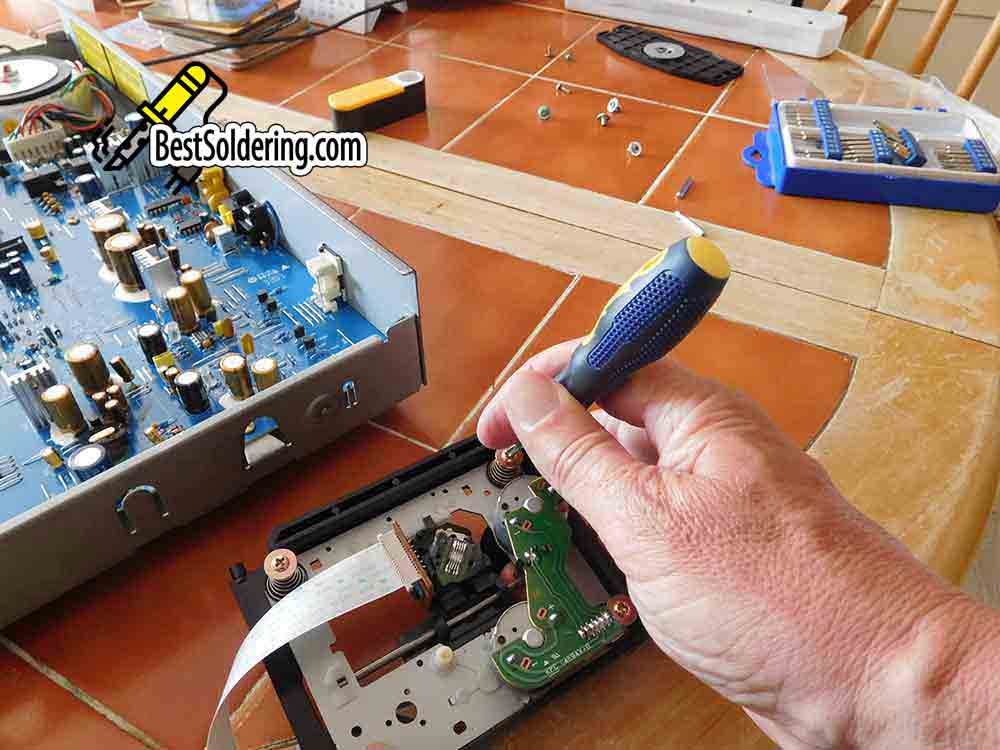


Take off the rubber shock mounts and what you have in your hand should now look like the mechanism you bought.


Fitting the new laser mechanism
Now for the reassembly with the new mechanism.

First, insert the ribbon cable into the new mechanism. White side up as shown in the picture.
Then insert the rubber shock mounts into the new mechanism.
Then get the empty plastic inner draw and line up the metal laser assembly to the holes as in the picture.
Put the 4 springs/screws back and you should end up with something like the picture.

You can now put this back into the CD player. Make sure the ribbon cable goes under as in the picture below.

Then plug the other end of the ribbon cable into the CD PCB. White side right as in the picture and push the clips down on both sides to hold the ribbon cable securely.
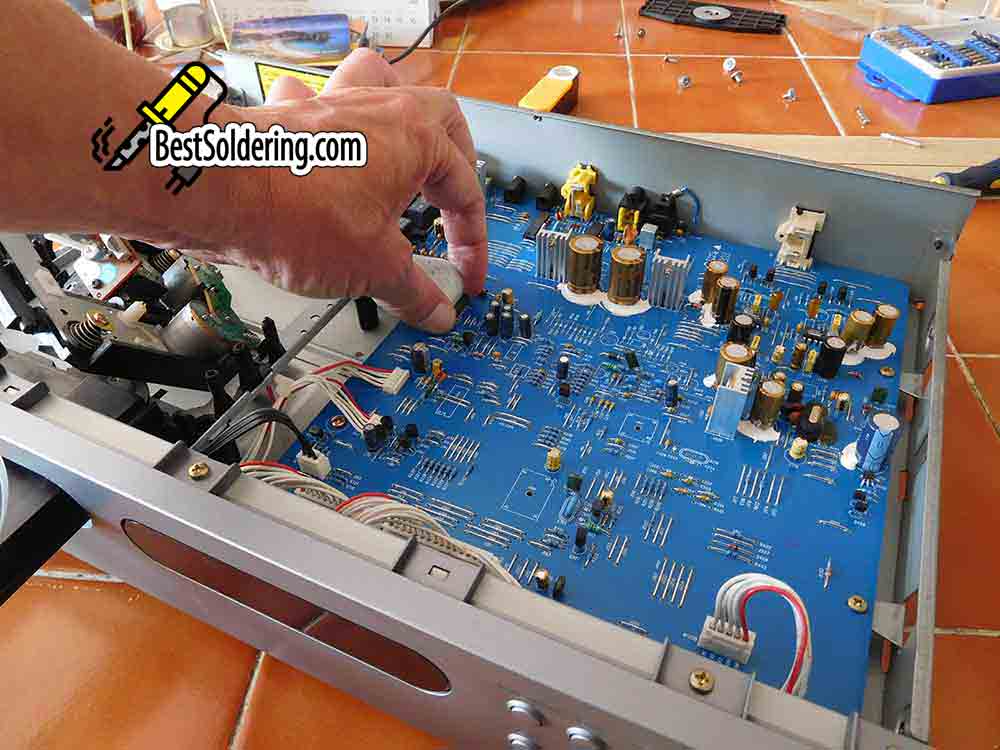
You can then plug in the red and white motor cable. It only fits in one way, carefully push it fully into the socket where the clips will hold it once it’s pushed far enough in.
Desoldering the solder joint
Now you have to desolder the blob on the new laser. This is there to protect it but it needs to be removed before you power it up. This is where your unsoldering skills come into play.
It’s very easy to do if you need more information about desoldering you can read my beginners guide to desoldering here.

The picture above shows you the joint you need to desolder. This shorts 2 pads together.
Once you’ve desoldered the “blob” check with a magnifier that the two pads aren’t connected anymore.

The picture above shows the 2 pads after being desoldered.
You can then line up and seat the plastic draw assembly in place and replace the 2 holding screws.
Next, insert a CD into place. It makes it easier to fit the disc holder in place.

You can then put the disc holder over the top and replace the 2 screws.
Now you can power up the CD player and it should “spin up” and recognise the CD and then stop with the screen information showing you the tracks. Pressing play should now play your CD.
Final thoughts on replacing the laser mechanism on a CD player
If you’ve done it all correctly you can put the cover back on. Give yourself a slap on the back and happily listen back to one of your favourite CDs.
Admire how it doesn’t skip anymore and furthermore, you’ve done it all yourself for the cost of the laser mechanism (about £20 or less if you got it from eBay).
If you want to replace just the laser and not the whole mechanism check out my other guide.
You now have a fully working NAD C542 CD player again.